


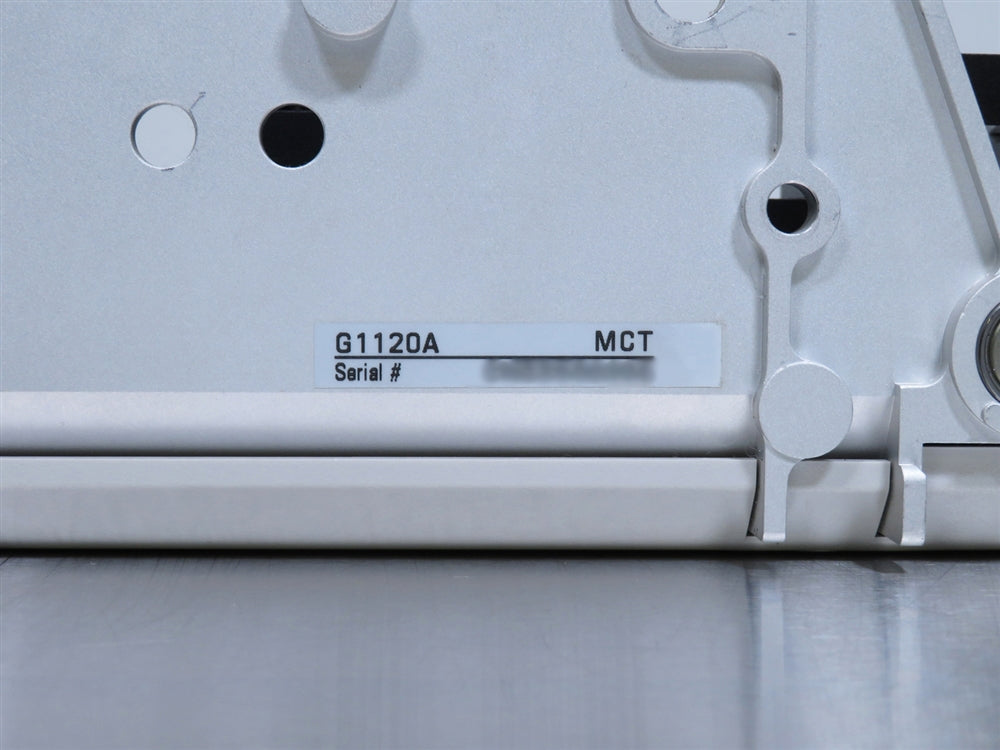
Agilent G1120A Multicell Transport for 8453 & 8454 Spectrophotometers
The Agilent G1120A Multicell Transport is an accessory for the Agilent 8453 and 8454 UV-Visible Spectrophotometers. The multicell transport cell holder holds eight cells in a rack which can be held at a constant temperature with water circulated from a thermostatic bath (provided by the user). The holder is attached to the multicell transport base which contains a stepper motor to move the designated cell into the optical path. A water-driven magnetic stirrer (not included) can be fitted under the holder in one of two positions, either under the cell in the optical path, or under the cell to the left of the cell in the optical path.
The outside dimensions of individual cells must be 12.5 × 12.5 mm and the height from base of the cell to the sample area 15 mm. During an analysis, the position of individual cells is maintained by a flat spring inside each of the cell compartments. The spring alone fixes the cell and no additional fixing mechanism is needed. The Agilent G1120A Multicell Transport for 8453 and 8454 Spectrophotometers can be controlled by any Agilent Technologies UV-visible operating software, having revision A.05.xx or higher, through the accessory interface of the spectrophotometer. Please Note: The Agilent G1120A Multicell Transport is not compatible with older Hewlett-Packard Spectrophotometers such as the HP 8450, HP 8451, and HP 8452A.
All of our equipment is fully tested to perform at factory specifications before being shipped.
INCLUDED:
The Agilent G1120A Multicell Transport for 8453 & 8454 Spectrophotometers includes:
The Agilent G1120A Multicell Transport for 8453 & 8454 Spectrophotometers includes:
- > Eight-Position Cell Holder
- > Operator's Manual
- > Full 180 Day Part and Labor Warranty
Agilent G1120A Multicell Transport for 8453 & 8454 Spectrophotometers Specifications
| Time to Move Between Adjacent Cell Positions | < 1 second |
| Position Repeatability | ± 0.1 mm |
| Step Resolution | 0.060 mm |
| Temperature Range for Thermostatting (Cell Holder Only) | 5 to 90°C |
| Temperature Difference Between any Two Cell Positions | 0.3°C (with a water bath at 37°C) |
Instrument Inspection and Recertification Checklist
- Confirm the power supply and PCB output correct, stable voltages across all required connections
- Inspect the display for any dim or dead pixels; replace affected components to maintain full visual clarity and operational accuracy
- Verify full functionality of all buttons, ensuring precise and responsive input control
- Check the XY assembly for proper movement and alignment; thoroughly clean all railings, removing any debris or contaminants
- Confirm stable software communication and connection between the instrument and PC, addressing any connectivity issues
- Inspect and clean or replace all filters as required to ensure optimal airflow and performance
- Examine internal wiring and electrical connections for any breaks, disconnections, or tears; replace or secure any compromised wiring
- Test the lamp’s full functionality, replacing it if any performance issues, dimming, or faults are detected
- Execute the necessary validation protocol, documenting completion with a date on a calibration/verification certificate
- Perform and verify appropriate updates to the PC operating system for compatibility and security
- Conduct a thorough cosmetic inspection, ensuring all external components meet quality and aesthetic standards
Technician Inspection and Recertification Checklist: Instruments
The Following Checklist Is to Be Performed on All Incoming and Outgoing Pieces of Equipment| Task | Completed? | Remarks? |
| Confirm stable, correct voltage outputs from power supply and PCB | Completed | |
| Inspect display for dim or dead pixels; replace as needed | Completed | |
| Verify functionality of all buttons for precise, responsive control | Completed | |
| Check XY assembly for proper movement; clean railings to remove debris | Completed | |
| Confirm stable software communication between instrument and PC | Completed | |
| Inspect and clean or replace filters to maintain optimal performance | Completed | |
| Examine internal wiring for damage; replace or secure compromised connections | Completed | |
| Test lamp functionality; replace if dimming or faults are detected | Completed | |
| Execute validation protocol and document on calibration/verification certificate | Completed | |
| Update PC operating system for compatibility and security | Completed | |
| Conduct cosmetic inspection to ensure quality of external components | Completed |
102 Tide Mill Road, Hampton NH 03842
customerservice@marshallscientific.com | (603) 601-8511 |
www.marshallscientific.com
Copyright © 2024 by Marshall Scientific LLC. All rights reserved.

 Click Here to View the Technical Specs for the Agilent G1120A Multicell Transport for 8453 & 8454 Spectrophotometers


